
Why this exists.
Trust Circle started with a technical question its founder — a patent attorney — couldn't put down: we already carry devices that can verify identity, share location and broadcast live video. Why does anyone's safety still depend on memory and a glovebox?
Everything since has grown from one instinct: safety is a group thing, not a solo one. Your phone can tell one person you got home. Your people should be able to see it.
Questions? Answered.
How does Trust Circle work?
Trust Circle is a personal safety app that lets you share your location, stream live video, and access emergency contacts with one tap. When you activate SOS, your trusted circle gets instant alerts with your location and optional video stream. Data is encrypted in transit and at rest.
Is Trust Circle free to use?
Yes. Trust Circle is free to download, and the core safety features are free. An optional Premium subscription adds extras. There are no ads, and we never sell your personal data.
How do I set up my trusted circle?
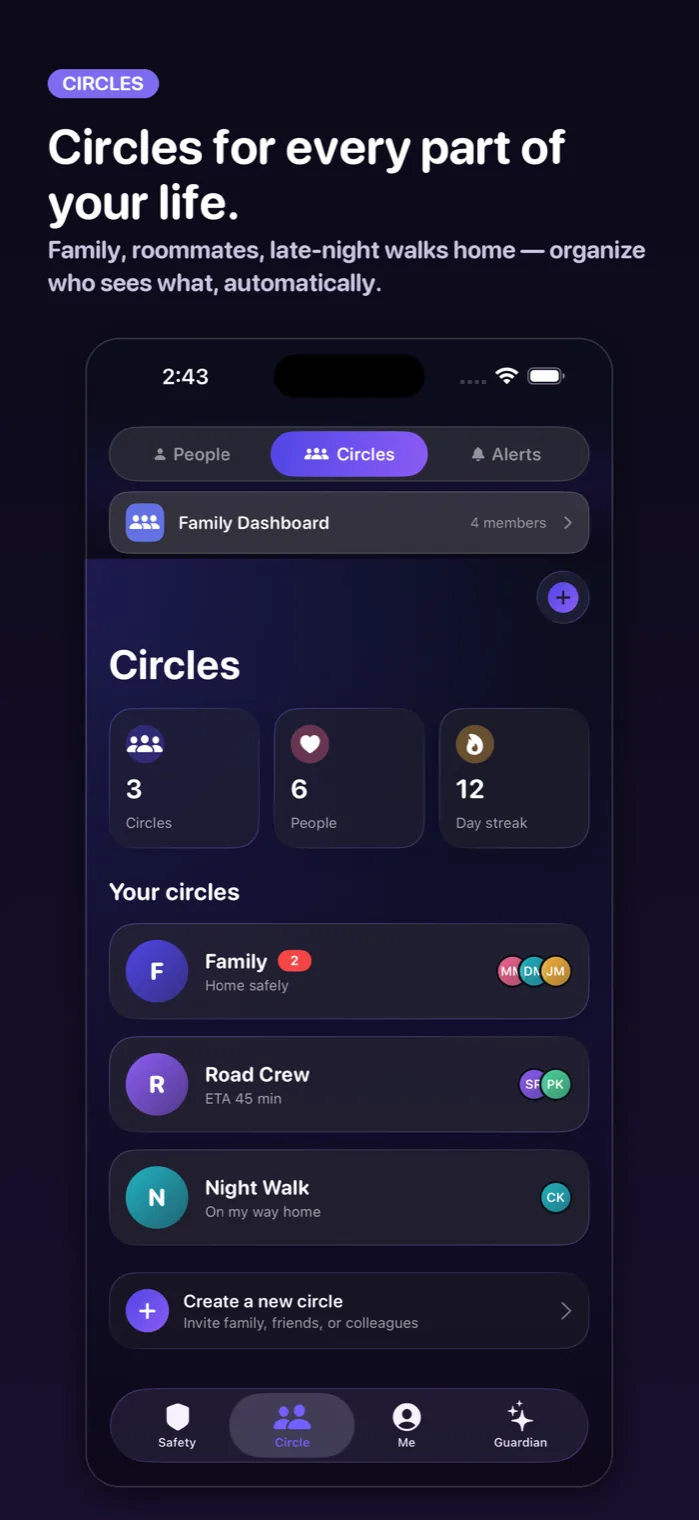
After downloading Trust Circle, you can invite trusted contacts by email or phone. They'll receive an invitation to join your safety network. You have complete control over who sees your location and receives alerts. You can add, remove, or modify permissions at any time.
What happens when I press the SOS button?
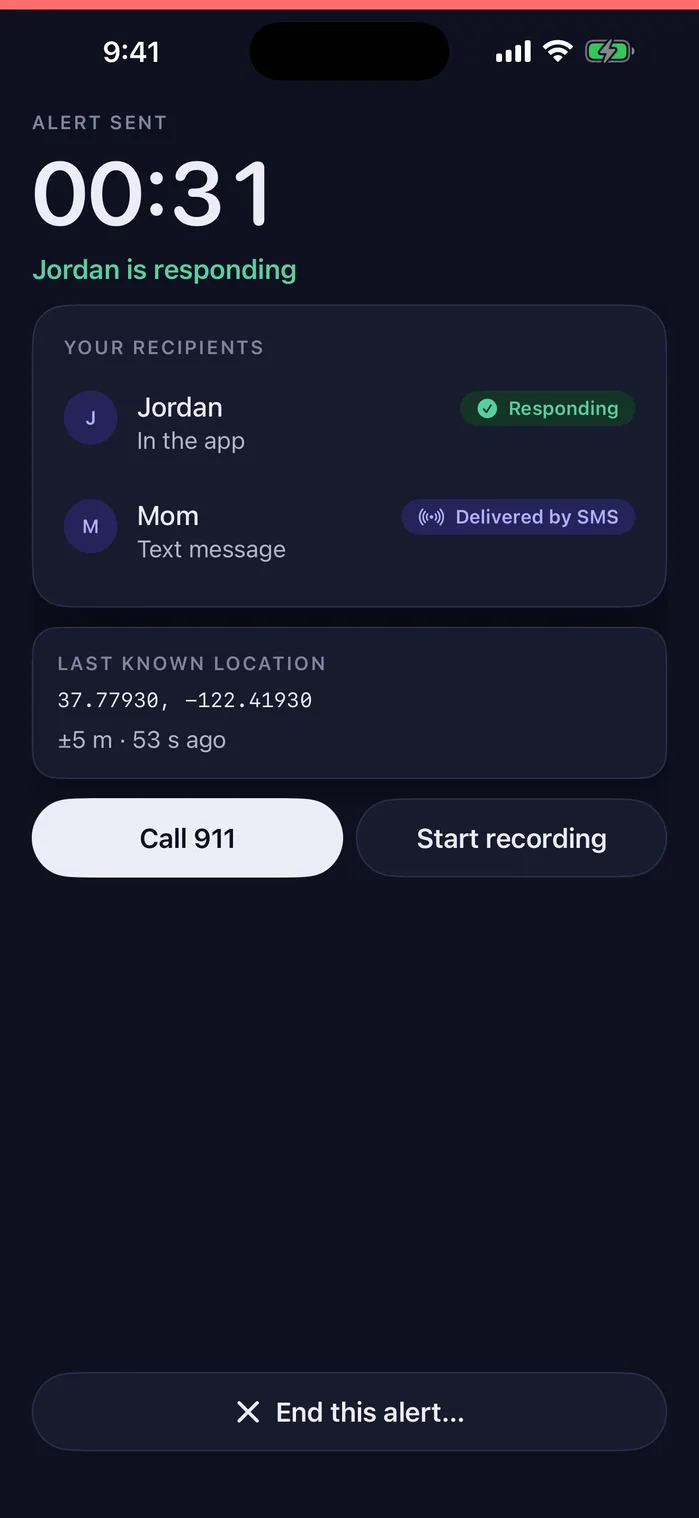
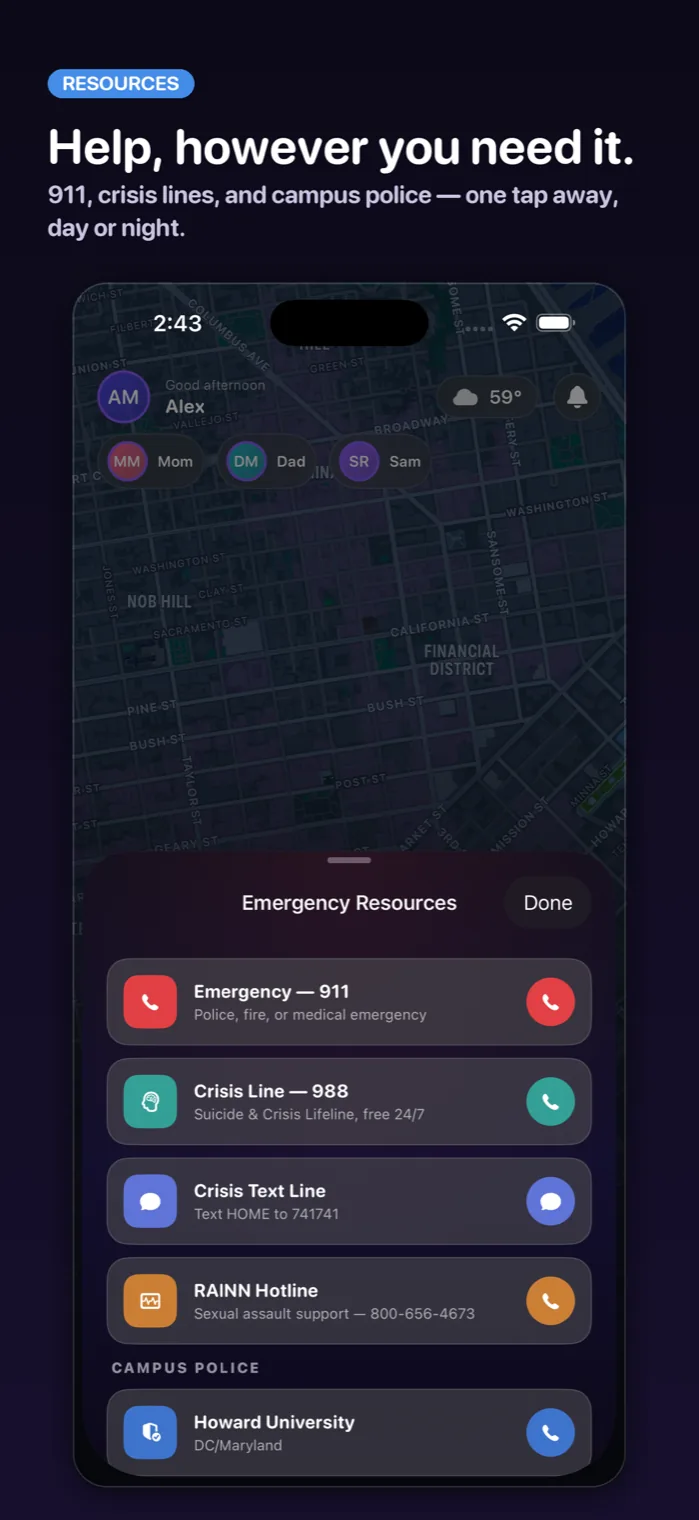
When you activate SOS, your trusted circle immediately receives alerts with your real-time location. You can choose to include live video streaming, which is encrypted and only visible to your circle. Trust Circle also provides quick access to emergency services like 911 if needed.
Is my data private and secure?
Video, locations and documents are encrypted in transit and at rest. Only the people you choose see your location and alerts, and we never sell your data. Trust Circle's servers can technically read what you store, so the vault is for things you would show a person anyway. You can delete everything at any time.
Can I use Trust Circle for traffic stops?
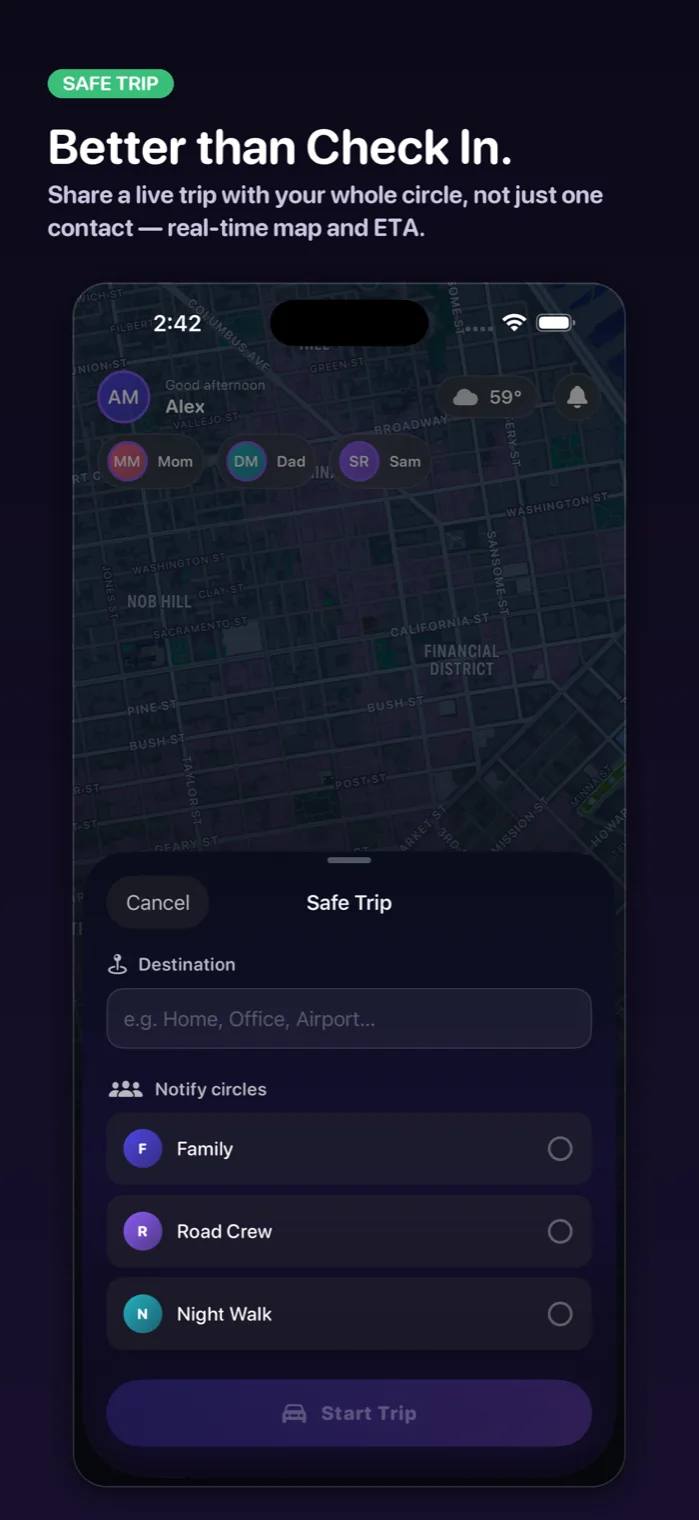
Yes! Trust Circle includes a 'Drive With Confidence' feature that lets you quickly display your driver's license, insurance, and registration digitally. You can also stream the interaction to your trusted circle for an added layer of accountability and safety.
Is Trust Circle on Android?
Yes. Trust Circle is on the App Store and on Google Play. The Android app is updated less often than the iPhone app, so a few newer features reach iPhone first. People without the app can still get your alerts by text message.
What is Circle Chat?
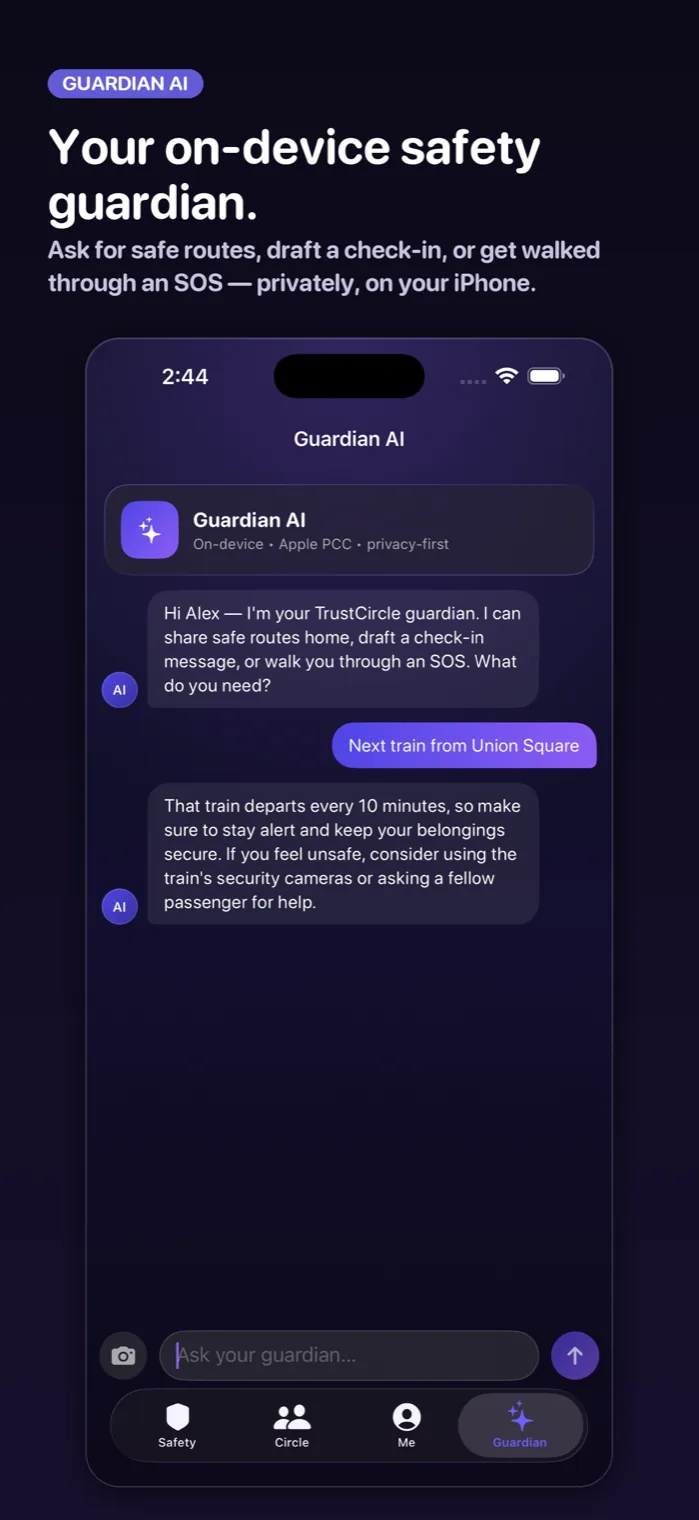
Circle Chat is Trust Circle's built-in help system that provides instant answers to legal questions, travel safety tips, emergency numbers worldwide, and campus policies. It's like having a safety expert in your pocket 24/7.
How does campus safety integration work?
Trust Circle includes quick access to local emergency services and lets students save their campus safety number for one-tap calling. Confirm your campus number with your school; we do not have university partnerships.
Can parents track their kids without permission?
No. Trust Circle is built on consent and control. Students must explicitly choose to share their location with parents or anyone in their trusted circle. You decide when sharing is active, and you can stop it at any time. Parents only see what students choose to share.